Installation of F1 Replay Timing app in Ubuntu VM.
This post documents the steps I went through to install F1 Replay Timing in a new, empty, Ubuntu 24.04 VM on one of my Proxmox hypervisors.
From time to time, I want to post something to the Pontifex site, but I only really want it to be local, sometimes because it contains sensitive information, other times it's just more a note than a post. This documents that process.
This guide documents adding a self-hosted application to an existing Cloudflare Tunnel and Caddy reverse proxy infrastructure in a Proxmox-based homelab environment. The goal is to expose the application via HTTPS with Cloudflare Access authentication, enabling secure remote access.
Sparky Fitness is supposed to work very similarly to My Fitness Pal but self hosted, private, and free, so I thought I would install it and see how good it really was. This installation does not include the AI component, and I'm unsure what it adds to the app. That is for future evaluation.
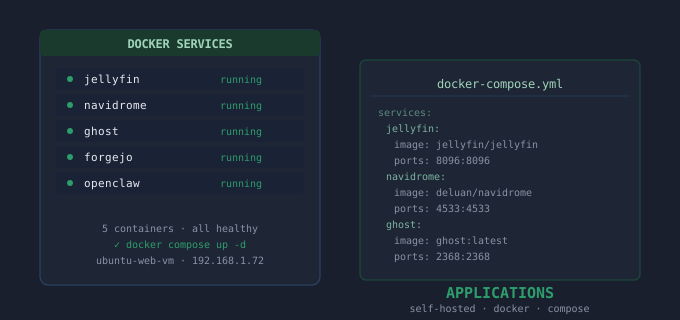
This post documents the steps I went through to install Forgejo into a VM that was hosting my local Git repo containing all the Docker Compose YAML files from all of my services running in my home lab. This is not an installation from scratch, per se, as I already had a bare Git repository that I was pushing all my Docker Compose YAML files to. Forgejo provides an easy-to-access GUI interface to the Git repo.
Occasionally, Whisper AI stops transcribing, and this post just serves to remind me how to quickly get it back up and running again, as it is only one small piece of code to change once, then change back immediately after it starts working again. Less than a five-minute fix now that I have it documented.
I recently realized that I did not have a reliable, easy, and secure way to copy my OneDrive contents to my local machine. I decided to set up Rclone for this job after reviewing options with Claude. This post shows how I did that, but be mindful that this is not a ‘generic’ setup as it is specific to my current workflows.
Over the past several months, I have accumulated many PDFs of practice piano sheets, many piano scores that I printed out, and many lessons that I downloaded. And I got to the point where the amount of information I had was kind of overwhelming me as to what to focus on to continue learning and improving my piano skills, which was THE POINT of the whole thing. After a long debate, I decided Obsidian was what I was going to use and I was also going to use Syncthing, so that I could put everything in my Proxmox Samba storage VM. In this case, it is the same VM that holds all my piano videos, so whatever I did on my laptop was automatically synced to my Samba storage VM. This project, therefore, is helping me learn about Obsidian as a more comprehensive note-taking, task-building app, Syncthing, and how that is all set up and how it works, and ultimately make me a better piano player through improved focus, documentation, and efficiency of practice.
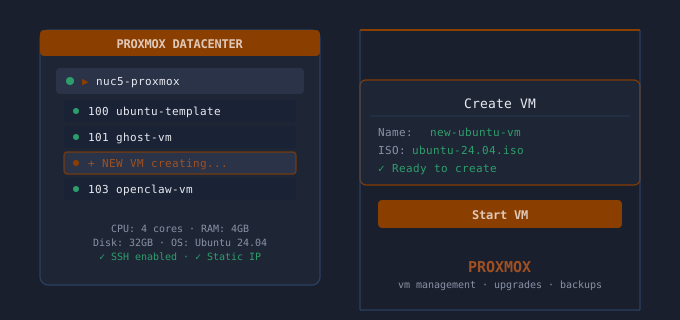
This post documents the step by step process to create a new Ubuntu 24.04 VM on my Proxmox hypervisor from an existing Ubuntu 24.04 VM that is fully up to date and contains extras like Atuin, Fish, frequently run scripts, Docker, etc. This is a little tricky because the existing VM is NOT a Proxmox template therefor once a copy is created (on the same Proxmox server) there are several imporant things that must be done to make it a fully usable VM ready for a new application to be installed into.
This post documents the few steps I must follow each month when I do a backup of my docker-compose.yml files across my many applications running in VMs on Proxmox hypervisors. I just back them up to my local laptop and then I push them to a local Git repo that runs on its own VM. This updated document also describes the automation built into the script much better.